My AI Controls My Webcam
I was on a call last week and noticed my webcam image looked terrible. Yellow cast, face too dark, harsh shadows. The usual. I opened LogiTune, dragged some sliders around, got something passable, closed it.
Then I thought: why am I doing this manually?
I was in a Claude Code session and asked it to fix the image. Here's what happened next.
Claude installed two CLI tools: imagesnap (captures a still frame from a Mac webcam) and uvcc (reads and writes USB Video Class settings, brightness, white balance, contrast, gain). Neither tool required a GUI. Both took about ten seconds to install.
Then it captured a frame from my Logitech Brio 505 and looked at it. Not metaphorically, Claude is multimodal, so it literally analyzed the image and told me what was wrong: white balance at 5002K was too warm for my mixed lighting, brightness at 51/255 was too low, contrast at 144/255 was making the shadows too harsh.
It pushed new values to the camera, captured another frame, and saw that the image was still too warm. Then it cooled the white balance, checked the skin tones, and dialed back saturation and gain. After three capture-analyze-adjust rounds, the image was noticeably better than anything I'd achieved with LogiTune.
The final move was counterintuitive. After all that manual tuning, Claude suggested turning auto white balance back on and locking the other settings. The camera's own AWB algorithm, freed from the bad brightness and contrast defaults, produced the most neutral result of the session. Sometimes the right answer is to fix the foundation and let the existing system do its job.
From Fix to Feature
Once it worked, the obvious next question was: can I just say "optimize my webcam" in Slack and have it happen?
I run an AI assistant (Clawd) that handles my operational workload, email triage, calendar management, Slack coordination. It already runs on the same Mac Mini as the webcam. So we built a Python script that wraps the full pipeline: capture a frame, send it to Claude's vision API for analysis, parse the recommended settings, apply them via uvcc. One command. About 30 seconds end-to-end.
Now Clawd can run it whenever I ask. The script is registered as a tool in his workspace, same as sending an email or checking my calendar. "Optimize my webcam" is just another task.
I open-sourced the tool as camtune , a single Python file, no dependencies beyond the CLI tools. Clone it, run it, done.
Update: The Daemon
After using camtune manually for a few days, the next obvious step was to
eliminate the "run it" part entirely. Now camtune has a daemon mode. A
LaunchAgent watches macOS system logs for camera activation events, the
com.apple.cmio subsystem fires an "adding stream" message
whenever an app starts using the camera.
When the daemon detects that event, it restores your saved profile in under a second. No AI call, no frame capture, just a fast replay of your last known-good settings. If you want, you can opt into an AI optimization pass after the restore, but the instant restore alone handles 95% of the value.
One command to install: python3 camtune.py daemon install. It
survives reboots, restarts if it crashes, and debounces so a flurry of
camera events doesn't trigger repeated adjustments. I open FaceTime, and
by the time the preview appears, my settings are already applied.
This is the pattern I keep seeing: the first version is a tool you run. The second version is infrastructure that runs itself. The jump from manual to automatic is where the real leverage lives.
The Broader Point
This isn't a story about webcams. It's about what happens when AI agents get access to CLI tools on a real machine.
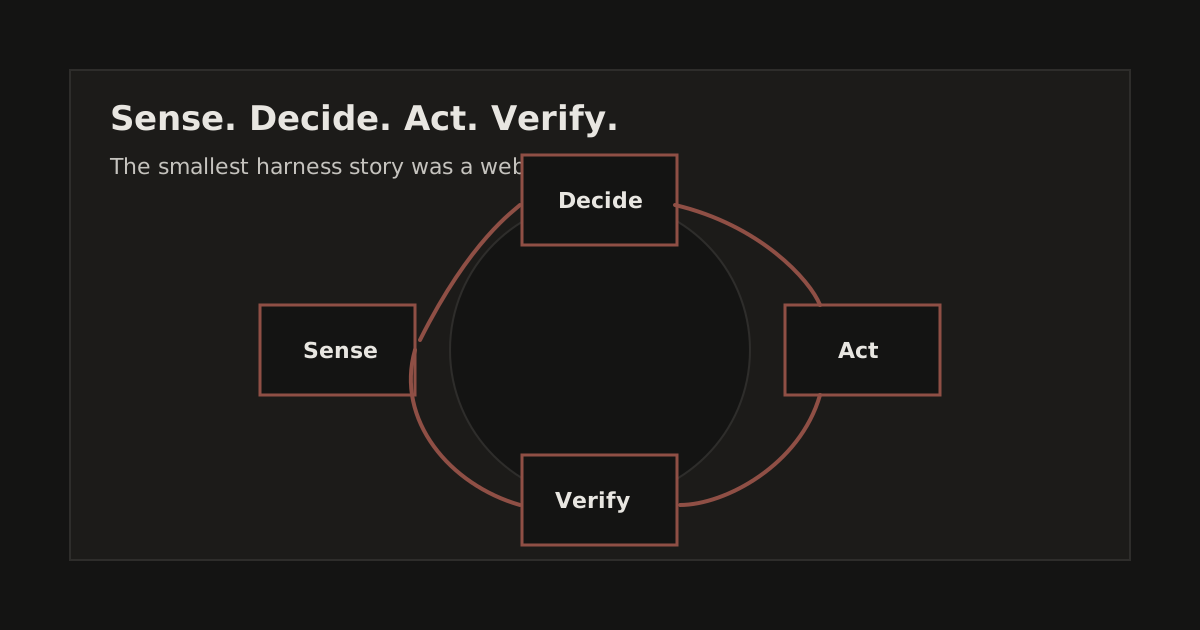
Most people think of AI as a chatbot, you ask a question, you get text back. But the moment you give it access to system commands, it becomes something different. It can see through a camera, act on hardware settings, verify the result, and iterate until it's right. That's not a chatbot. That's an operator.
The tools already exist. imagesnap has been around for years. UVC is a USB standard from the 2000s. What's new is the ability to compose them into a feedback loop with visual judgment in the middle. The AI didn't need a webcam SDK or a calibration library. It captured a JPEG, looked at it, and knew what to change.
Product leaders should be paying attention to this pattern. Webcam calibration is beside the point. The architecture, sense, decide, act, verify, applies to any physical or digital system with a command-line interface. And that's most of them.