How I Made Claude Code Do Its Own Deployments
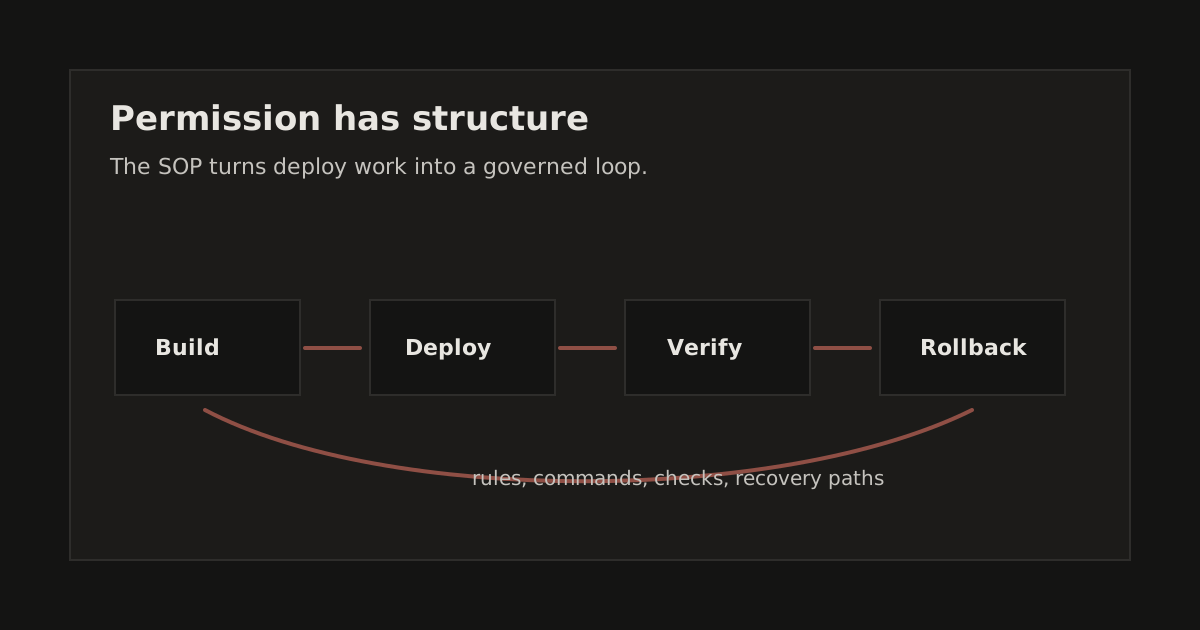
In this example, the deploy harness is the point: permission boundaries, required evidence, and a review step before production.
Most developers use AI assistants to write code, then manually run migrations, deploy functions, and push to production. That's leaving 40% of the workflow on the table.
I fixed that. Now when I ask Claude to add a feature, it writes the code AND deploys it. The entire backend-to-production loop happens in one conversation.
This is the difference between using AI as a typing assistant and using AI as an operator.
The Problem
Here's what my workflow looked like before:
- Ask Claude to implement a feature
- Claude writes migration file
- Claude says: "Now push the migration"
- I copy the command, open terminal, run it
- Claude writes edge function
- Claude says: "Now deploy the function"
- I copy, paste, run
- Repeat for web, iOS, etc.
I was the bottleneck. Claude had to wait for me to context-switch, copy commands, run them, paste output back. It broke flow. It was slow.
The insight: Claude already knows the commands. Why am I the one running them?
The Fix: A Single Source of Truth
I created SOP.md (Standard Operating Procedures), one
document that tells Claude exactly how to operate in my codebase.
The key sections:
1. Default Behaviors
Things Claude does automatically without asking:
| Action | Tool/Command |
|---|---|
| Database migrations | Push migrations to linked project |
| Edge function deploy | Deploy named function |
| Web deploy | Deploy to production |
| Migration repair | Repair orphaned migration state |
This isn't just documentation. It's permission. Claude reads this and knows: "I can run these commands. I don't need to ask."
2. Tool Access Map
Explicit about what requires human intervention:
Each action is explicitly marked: either the agent can do it autonomously, or it stops and asks. Secrets management and app store submissions always require a human. Everything else is scoped to what the CLI can do safely.
3. Decision Trees
What to do when things break:
Error: "Remote migration versions not found"
  → List remote migrations
  → Find orphaned remote IDs
  → Repair orphaned migration state
  → Retry push
This happened today. Instead of me debugging, Claude diagnosed and fixed the migration history mismatch on its own.
Real Example: The Session That Made This Clear
I asked Claude to implement a comprehensive notification system. Here's what happened:
Me: "Implement granular notification preferences, let users toggle morning briefing, afternoon check-in, proactive nudges separately."
Claude:
- Created migration file with new columns
- Pushed migrations
- Hit migration history error
- Diagnosed: orphaned remote migrations
- Repaired migration state twice
- Re-ran migration successfully
- Updated edge function
- Deployed edge function
- Created iOS service
- Created iOS settings view
- Updated web app
It handled the whole path in one conversation while I watched.
Total human intervention: zero commands typed.
What Makes This Work
1. Explicit Permission
Claude is cautious by default. If you want it to deploy to production, you have to say so clearly. The SOP document is that explicit permission.
2. Context That Persists
The SOP lives in the repo as SOP.md. Claude reads it at the
start of every session. The context carries forward.
3. Failure Handling Documented
Most "let Claude do it" setups fail at the first error. By documenting decision trees for common failures, Claude can self-recover.
4. Clear Boundaries
"Deploy edge functions: yes. Create Supabase secrets: no." When boundaries are clear, Claude operates with confidence inside them.
The Full SOP Structure
Here's what ended up in the document:
- Default Behaviors, Things Claude does automatically
- Tool Access Map, What Claude can/can't do
- Workflows, Step-by-step for features, bugs, deploys
- Decision Trees, Error recovery paths
- Tech Stack, Where everything lives
- Design System, UI principles (absorbed from existing docs)
- Quality Gates, Checklists before "done"
- Patterns, Learnings from previous sessions
The result was roughly 400 lines in one file, which became the source of truth for how the agent should move through production work.
Results
Before: Feature requests took 2-3 back-and-forth sessions. I'd forget to deploy something. Things would break in production hours later.
After: Feature to production in one conversation. Claude handles the full loop. I review what shipped.
Time savings: Hard to measure, but context-switch elimination alone is probably 30-40% of my previous workflow.
Error reduction: Claude doesn't forget to deploy. I do.
The Meta-Lesson
This is what "AI-native workflow" actually means. Not using AI to type faster. Using AI to operate.
The companies winning right now aren't the ones with the best AI code generators. They're the ones who've figured out how to let AI handle the entire shipping loop.
The useful shift is that migrations, deployments, and error recovery sit in the same governed lane as the code change.
If you're still copy-pasting commands from Claude's output, you're leaving most of the leverage on the table.
Try This
- Create an
SOP.mdin your repo - Start with three sections:
- Default Behaviors (what Claude can run)
- Tool Access Map (what requires you)
- One Decision Tree (your most common error)
- Tell Claude to read it at session start
- Watch what happens
The leverage is real.
Code
The full SOP template is available in the project repo. Adapt it for your stack.